In this article
You do not need a blank document. You need a template with the blanks already in the right places.
A workbook lead magnet template only works when the structure is right: an orientation, a tight set of exercises, and a clear next step. Below are three ready-to-copy structures, built for the three audiences MagnetKit hears from most: coaches, content creators, and freelancers. Pick the one closest to your situation, swap in your own transformation, and you have a draft by tonight.
What You’ll Need
- Google Docs (free) or Canva (free plan works for all three templates)
- One sentence describing the transformation your reader completes by the last page
- A PDF conversion path: Google Docs exports natively, Canva exports with one click
- An email service provider for delivery, such as ConvertKit, Brevo, or MailerLite
- 2 to 4 hours to adapt one of these templates to your topic
Step 1: Pick the Workbook Template That Matches Your Audience
Each template below solves a different problem. Match the template to your offer, not the other way around.
| Template | Best for | Exercise count | Build time |
|---|---|---|---|
| Coach Self-Assessment | Coaches and consultants selling transformation | 5 exercises | 3-4 hours |
| Content-Planning | Bloggers and creators mapping a content system | 4 exercises | 2-3 hours |
| Client-Onboarding | Freelancers and service providers starting a project | 4 exercises | 2-3 hours |
If your offer helps someone change how they think or decide, start with the Coach Self-Assessment template. If your offer helps someone organize output, start with Content-Planning. If your offer kicks off a paid engagement, start with Client-Onboarding.
Not sure which format fits your audience at all? The MagnetKit Decision Matrix matches your offer type to the highest-converting lead magnet format in under two minutes. Free.
Step 2: Copy the Coach Self-Assessment Workbook Template
Built for the coach whose audience needs to get clear before they get moving.
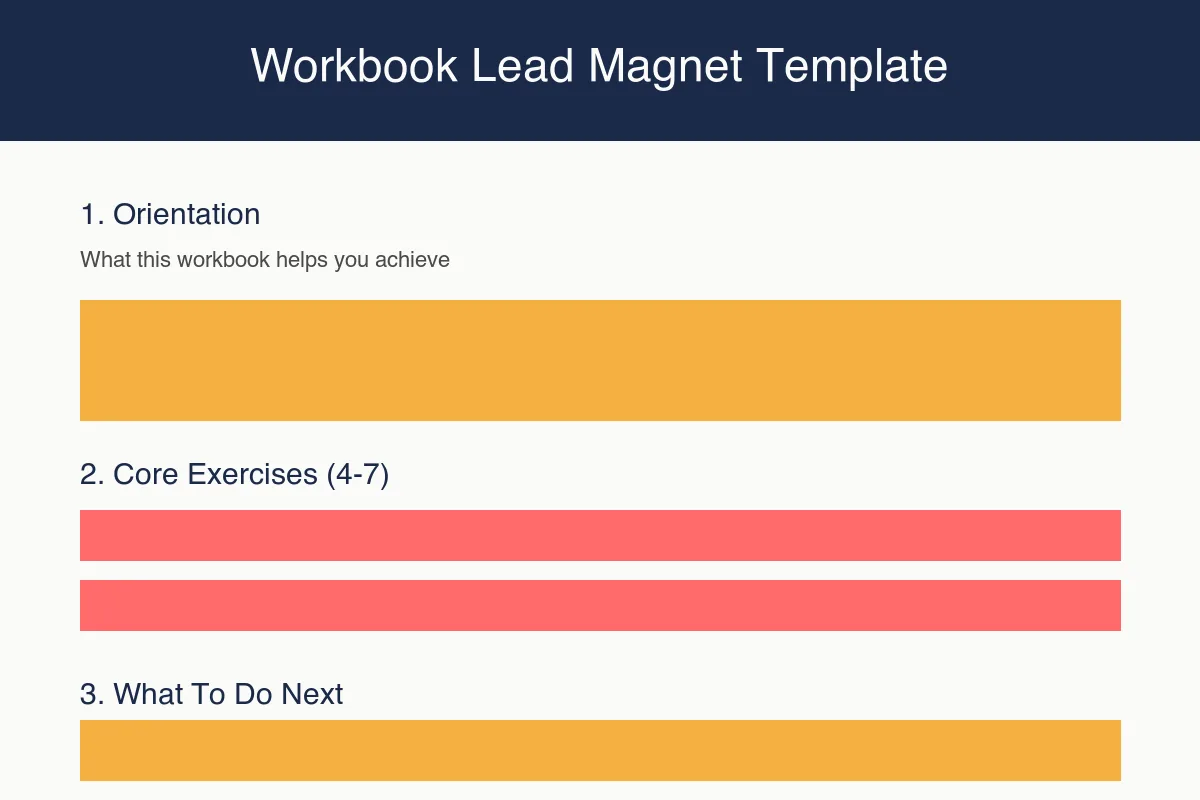
Orientation (page 1): State who this is for and what they will have by the last page. One paragraph, no more.
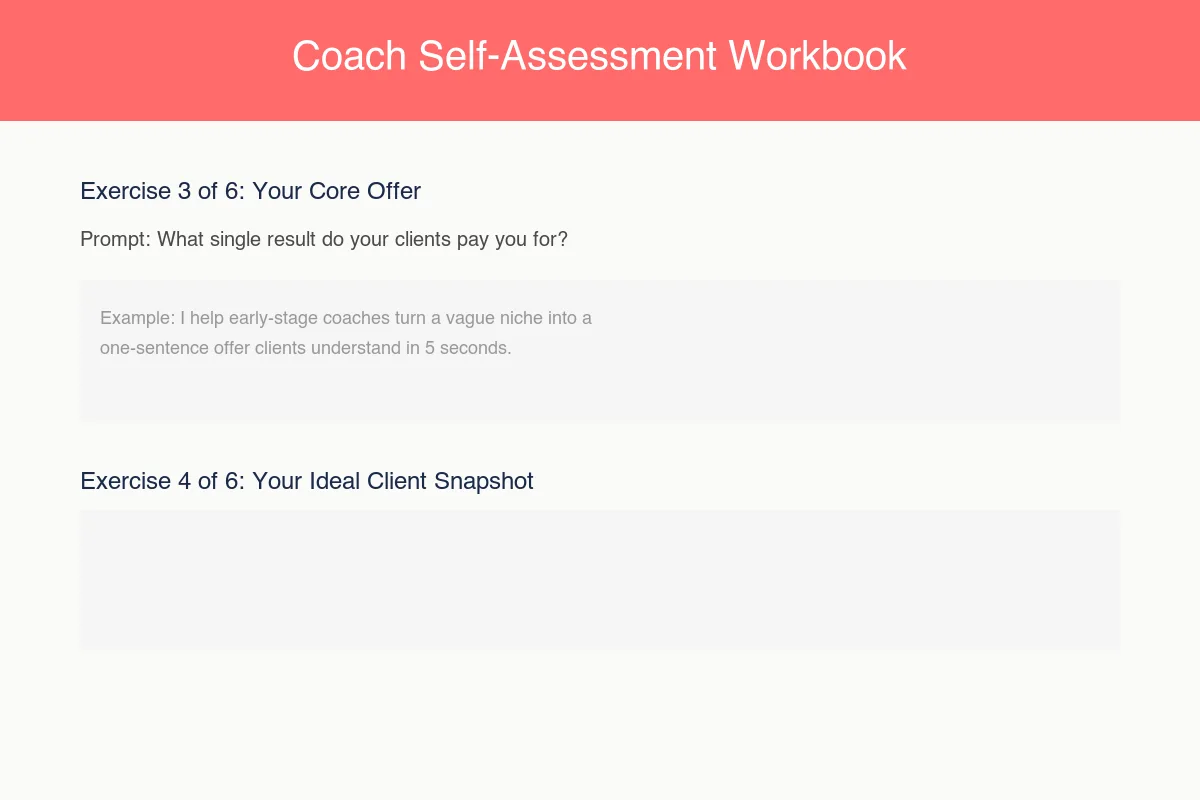
Exercise 1: Your One Core Transformation Prompt: “In one sentence, what does a client have after working with you that they did not have before?” Response box: 3-4 lines.
Exercise 2: Your Ideal Client Snapshot Prompt: “Describe the person you do your best work with. What are they struggling with right now?” Response box: 4-5 lines.
Exercise 3: The Gap They Cannot Close Alone Prompt: “What is the one thing your ideal client keeps trying and failing to fix on their own?” Response box: 3-4 lines.
Exercise 4: Your Named Framework Prompt: “Give your process a name. What are the 3 steps a client moves through with you?” Response box: a 3-row table, one row per step.
Exercise 5: Your Next Right Step Prompt: “Based on what you just wrote, what is the smallest next action a reader can take today?” Response box: 2-3 lines plus a checkbox.
What’s next (final page): Point to a specific next action, a related article, your booking page, or an invitation to reply to your welcome email.
Step 3: Copy the Content-Planning Workbook Template
Built for the blogger or creator drowning in post ideas with no system behind them.
Orientation (page 1): State the outcome: “By the end, you will have three content pillars and one month of post ideas mapped against them.”
Exercise 1: Your Three Content Pillars Prompt: “What three topics do you want to be known for? Name each in 2-4 words.” Response box: three labeled rows.
Exercise 2: One Month of Post Ideas Per Pillar Prompt: “For each pillar, list 4 specific post ideas your audience would search for or ask about.” Response box: a 3-column, 4-row grid, one column per pillar.
Exercise 3: Your Content-to-Offer Bridge Prompt: “For your strongest pillar, what paid product or service does that content naturally lead toward?” Response box: 3-4 lines.
Exercise 4: Your Publishing Cadence Reality Check Prompt: “How many hours per week do you actually have for content, and what cadence does that support?” Response box: 2-3 lines plus a simple weekly grid to check off.
What’s next (final page): Link to your content calendar template, your services page, or a specific email opt-in.
Step 4: Copy the Client-Onboarding Workbook Template
Built for the freelancer who needs new clients aligned before the project starts, not after.
Orientation (page 1): State the outcome: “By the end, we will both know exactly what this project covers and what it does not.”
Exercise 1: Project Scope Snapshot Prompt: “In your own words, what problem are you hiring me to solve?” Response box: 4-5 lines.
Exercise 2: Must-Haves vs. Nice-to-Haves Prompt: “List what this project absolutely must include, and separately, what would be nice but is not essential.” Response box: two side-by-side columns.
Exercise 3: Timeline and Milestone Map Prompt: “What is your target launch date, and are there any fixed dates I need to know about?” Response box: a simple 4-row timeline table.
Exercise 4: Communication Preferences Prompt: “How do you prefer updates: email, a shared doc, or a weekly call? How fast do you need responses?” Response box: 2-3 lines.
What’s next (final page): Confirm the next step is booking a kickoff call or signing a proposal. Name it explicitly.
Already picked your template? The MagnetKit Decision Matrix double-checks that your format matches your offer before you spend the next few hours building it out. Free, two minutes.
Step 5: Customize the Prompts for Your Specific Transformation
None of the three templates above should stay generic. Swap every bracketed placeholder for your actual topic before you design a single page.
The fastest way to do this: write your answer to each prompt yourself first, as if you were the ideal reader. If you struggle to answer your own exercise in under 90 seconds, the prompt is too broad. Narrow it until a specific answer comes fast.
Here is what narrowing looks like in practice. A generic prompt like “What is your niche?” produces a vague, one-word answer and stalls the reader. A narrowed version, “What single result do your best clients pay you for, described in one sentence a stranger would understand?”, produces something specific and usable. If a prompt could apply to any coach, any creator, or any freelancer, it is not narrow enough yet. Rewrite it until it only makes sense for your exact audience and your exact offer.
The same narrowing rule applies to the response boxes themselves. A response box that is one line tall signals “give me a quick word.” A response box four to five lines tall signals “think this through.” Match the box size to how much thinking the prompt actually requires, not to how much space looks good on the page.
Add one worked example under each response box. According to Beacon’s lead magnet format study, workbooks with an example answer under each exercise see meaningfully higher completion rates than workbooks that leave the box blank with no model to follow. An example removes blank-page paralysis before it starts.
Step 6: Turn the Template Into a Fillable PDF
Write every exercise in a plain document first. Then move to design.
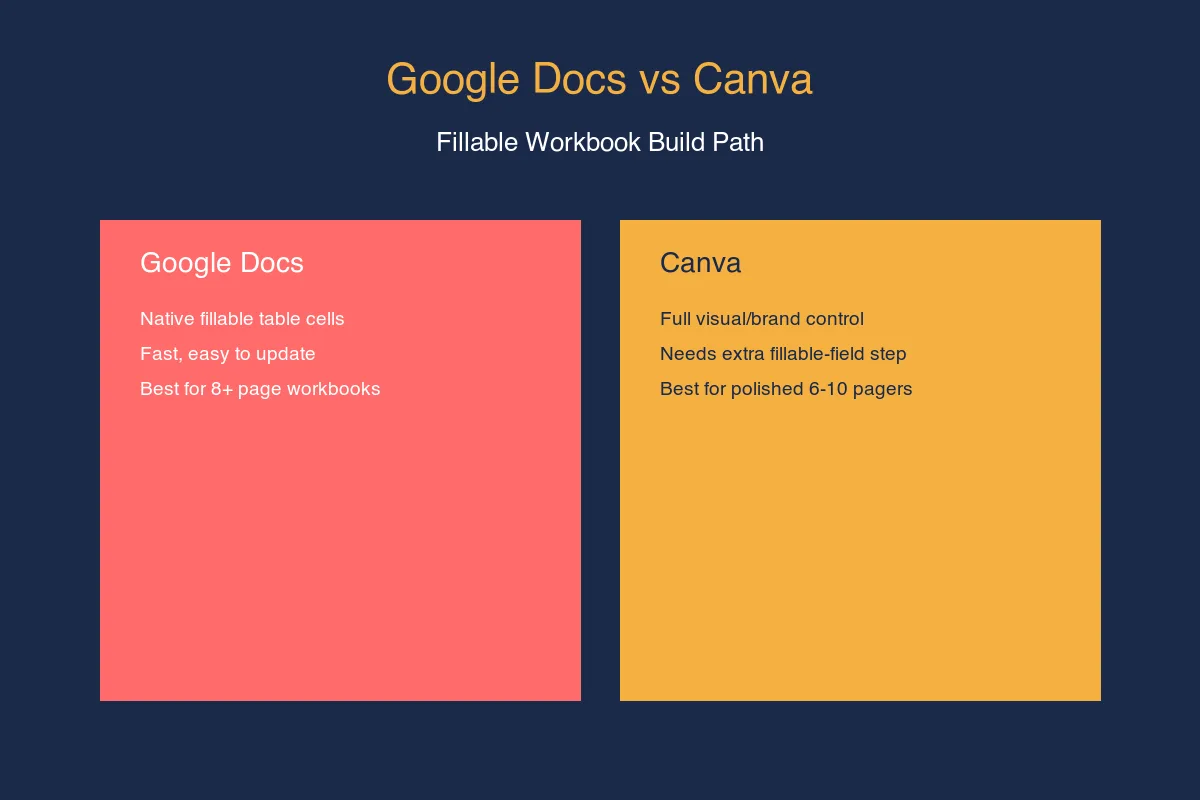
Google Docs is the faster path if you want native fillable fields: build each response box as a table cell with a light gray fill, export to PDF, then add form fields in a free tool like PDF Escape. Canva gives you more visual control and brand polish but needs that same extra fillable-field step after export.
For the full section-by-section build walkthrough, including exact table setup and field naming, see how to create a workbook lead magnet. If you want the checklist, cheat sheet, and swipe file structures too, the lead magnet template roundup covers all four formats side by side.
Step 7: Set Up Delivery and the Next-Step Email
A finished workbook with no delivery automation just sits in a folder. Connect the opt-in form to your email service provider, upload the PDF, and set the welcome email to deliver the link immediately.
Keep the welcome email short: one sentence about what the workbook does, the download link, and one sentence about what your next email covers. The workbook does the selling. Let it.
Set a second automated email 3 to 4 days after delivery, timed for the point where most readers have either finished the workbook or stalled halfway through. Ask one direct question: “Did you get through Exercise 3 yet?” This single follow-up does two things. It nudges the readers who stalled back into the workbook, and it opens a real reply-based conversation with the readers who finished, which is where workbook lead magnets tend to produce warmer leads than a static PDF or checklist ever does.
Tag subscribers who reply in your email platform. A reply to a workbook follow-up is a stronger buying signal than an open or a click, and it deserves its own segment for whatever you sell next.
Frequently Asked Questions
What should a workbook lead magnet template include?
A workbook template needs three parts: an orientation page stating the outcome, 4 to 7 core exercises with a prompt and a response box each, and a closing page with one specific next action. Skipping the closing page is the most common reason workbooks convert well but sell poorly afterward.
Can I reuse the same workbook template for different niches?
Yes. The three-part structure (orientation, exercises, next step) works across niches. What changes is the transformation statement and the specific prompts inside each exercise. Swap those, keep the skeleton, and the template holds up for coaches, creators, and freelancers alike.
Do workbook lead magnet templates need to be fillable PDFs?
Not always. A print-and-fill PDF works fine for audiences who prefer paper, such as many freelancer clients reviewing a scope document. Fillable digital fields matter most for longer, tablet-read workbooks, especially past the 12-page mark where, per Beacon’s format study, completion rates start to drop without an easy on-screen way to respond.
How many exercises should a workbook template include?
Stick to 4 to 7 exercises per template, matching the counts used in the three templates above (4 for Content-Planning and Client-Onboarding, 5 for Coach Self-Assessment). Per Beacon’s lead magnet format study, completion rates for downloadable workbooks decline as page count climbs past roughly 12 pages, so more exercises usually means fewer people finish.
Where can I get a workbook lead magnet template for free?
The three templates in this guide (Coach Self-Assessment, Content-Planning, Client-Onboarding) are free to copy directly from the exercise prompts above. Google Docs and Canva also offer free built-in workbook templates, though neither ships with prompts written for a lead magnet’s completion goals.
Keep Reading
What to Do Next
Choose the path that fits where you are right now.
Your Lead Magnet Is Two Hours Away. Pick Your Format First.
One email. One page. Match your audience type to the lead magnet format most likely to convert — so you stop flip-flopping and start building.
Send Me the Decision MatrixRelated Articles
Lead Magnet Template: The Exact Structure for 4 Formats That Convert
Exact templates for checklist, cheat sheet, workbook, and swipe file lead magnets. Each section mapped out, ready to customize in Canva or Google Docs.
How to Create a Workbook Lead Magnet (Step-by-Step)
Step-by-step guide to building a workbook lead magnet that transforms subscribers. Covers structure, tools, fillable PDFs, and when to use workbooks over checklists.
How to Build a Mini Course Lead Magnet
A step-by-step guide to creating a mini course lead magnet: topic selection, lesson structure, recording, delivery platform, and email automation.